🎮 How to Play Geometry Dash Lite for Beginners (2026 Guide) – No Lag, Easy Levels & Pro Tips
🚀 Introduction
If you’ve searched “how to play Geometry Dash Lite for beginners without dying instantly”, you’re definitely not alone.
Let’s be honest…
👉 The game looks simple
👉 You tap to jump
👉 But somehow… you keep failing every few seconds 😄
That’s exactly what makes Geometry Dash Lite so addictive—and frustrating.
This isn’t just another basic guide.
This is a real, human-friendly walkthrough that helps you:
- Understand the game mechanics quickly
- Stop making beginner mistakes
- Improve your timing and consistency
- Actually start completing levels
If you stick with this, you’ll go from struggling on the first level… to clearing levels confidently.
🧠 What is Geometry Dash Lite (Simple Explanation)
Let’s break it down in the simplest way possible.
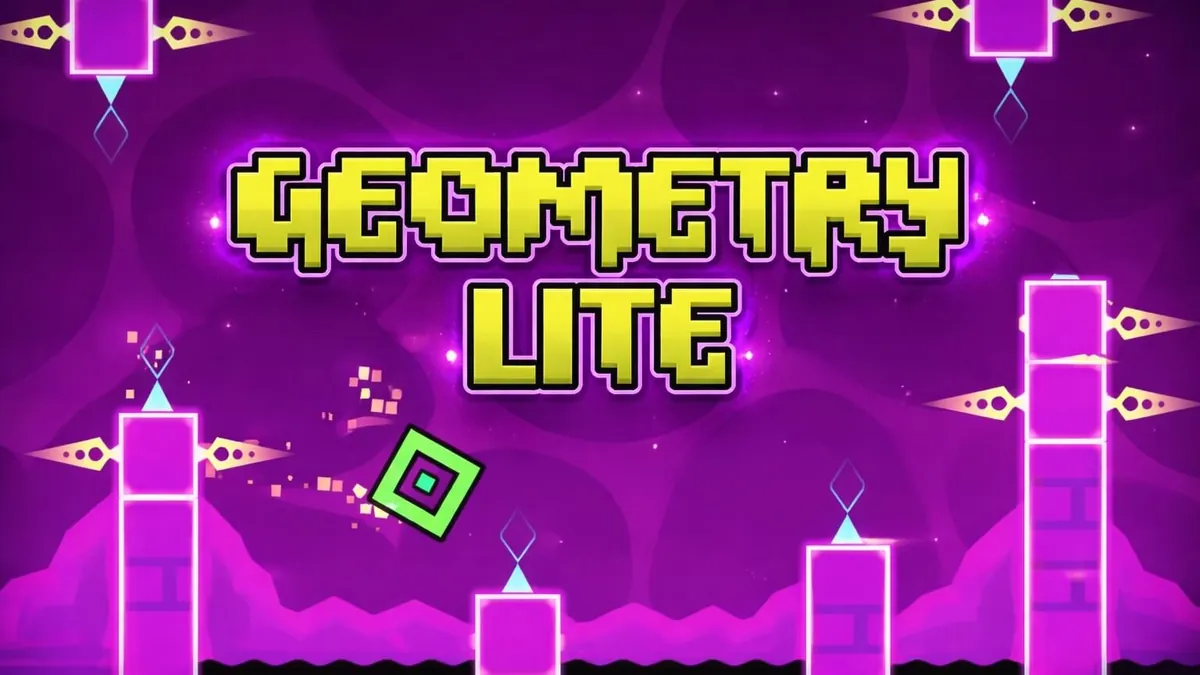
Geometry Dash Lite is a rhythm-based platformer game where you control a cube that automatically moves forward—and you tap to jump over obstacles.
That’s it.
But the twist is:
- Everything is synced with music 🎵
- Timing is extremely important
- One mistake = restart
👉 It’s not about speed—it’s about rhythm and memory.
⚙️ How to Start Playing Geometry Dash Lite (Step-by-Step)
If you’re new, follow this simple process:
📱 Step 1: Download the Game
- Available on Android and iOS
- Search “Geometry Dash Lite”
🎮 Step 2: Open the Game
- No login required
- Start instantly
▶️ Step 3: Choose a Level
Start with:
- Stereo Madness (best beginner level)
👆 Step 4: Tap to Jump
- Tap → Jump
- Hold → Continuous jumping
👉 That’s your only control—but mastering it takes skill.
🎮 Controls (Super Simple But Important)
Here’s everything you need to know:
- Tap screen → Jump
- Hold tap → Keep jumping
- Release → Stop
👉 Simple controls—but precise timing is everything.
🎯 How Geometry Dash Lite Actually Works
Let’s simplify gameplay so it clicks instantly:
- Your cube moves automatically
- Obstacles appear ahead
- You must jump at the right time
- Music helps guide your rhythm
👉 The goal = reach the end without crashing
❌ Beginner Mistakes (Why You Keep Dying)
This is where most players struggle.
❌ Tapping Randomly
You’re not reacting—you’re guessing.
❌ Ignoring Music Rhythm
The music literally tells you when to jump.
❌ Panicking Near Obstacles
You rush and mistime jumps.
❌ Trying to Rush Levels
Speed doesn’t help—timing does.
👉 Fix these and you’ll improve FAST.
🧠 How to Improve Timing (This is EVERYTHING)
Timing is the entire game.
🎵 1. Listen to the Music
Every jump is synced with beats.
👉 Play with sound ON.
👁️ 2. Focus Ahead
Don’t look at your cube—look ahead.
🎯 3. Tap Early, Not Late
Late taps = instant crash.
🔄 4. Practice Repetition
You’ll fail—but each run teaches timing.
👉 Timing improves naturally with practice.
⚡ How to Beat Levels Faster (Real Strategy)
Instead of random playing, do this:
- Learn small sections
- Remember obstacle patterns
- Stay calm
- Don’t rush
👉 Geometry Dash is more about memory than reflex.
🧩 Level Breakdown (Beginner to Hard)
🟢 Stereo Madness (Easy)
- Perfect starting point
- Learn rhythm basics
🟡 Back on Track
- Slightly harder jumps
- Requires better timing
🟠 Polargeist
- Faster pace
- More complex patterns
🔴 Dry Out
- Introduces difficulty spikes
👉 Progress slowly—don’t skip levels.
🧠 Pro Tips (These Actually Work)
🔥 1. Memorize Patterns
Levels don’t change—learn them.
🔄 2. Stay Calm After Mistakes
Panicking leads to more mistakes.
🎯 3. Play Short Sessions
Don’t burn out—take breaks.
⚡ 4. Use Practice Mode
This is underrated.
👉 Practice mode = fastest improvement tool
📱 How to Play Geometry Dash Lite Without Lag
Even simple games can lag on weak devices.
⚡ Fix Lag Easily:
- Close background apps
- Turn off notifications
- Use performance mode
- Keep device cool
👉 Smooth gameplay = better timing
🎧 Why Music Matters So Much
This game is basically rhythm training.
Each level:
- Has its own beat
- Syncs with jumps
👉 If you ignore music, you’ll struggle more.
💡 How to Stay Consistent (This is Key)
Consistency beats skill.
To improve:
- Play daily (even 10 minutes)
- Repeat levels
- Focus on improvement—not winning
👉 You’ll naturally get better.
🧠 Why Geometry Dash Lite Feels Hard
Because:
- One mistake = restart
- Requires timing + memory
- No checkpoints
But once it “clicks”…
👉 It becomes extremely satisfying.
🎯 Best Mindset for Winning
- Accept failure
- Stay patient
- Focus on learning
- Don’t rush progress
👉 This game rewards persistence.
❓ FAQs (Beginner Questions Answered)
Is Geometry Dash Lite free?
Yes, completely free.
Is it hard for beginners?
Yes—but it gets easier with practice.
Do I need internet to play?
No, it works offline.
What is the easiest level?
Stereo Madness.
How do I improve fast?
Practice mode + learning patterns.
Why do I keep failing at the same spot?
Because you haven’t memorized that section yet.
🧾 Final Thoughts
Learning how to play Geometry Dash Lite for beginners in 2026 isn’t about being fast—it’s about being consistent.
Start simple:
- Learn timing
- Follow rhythm
- Practice regularly
And before you know it…
👉 You’ll go from failing instantly… to completing levels smoothly.
🎮 Open the game, try these tips, and trust me—you’ll feel the difference within a few attempts.